
What Is an Outbound Links Checker?
An outbound links checker is a tool that reads the links on your pages and separates the ones that leave your site from the ones that stay inside it. It follows each external destination, records the response and puts the result next to the page that holds the link.
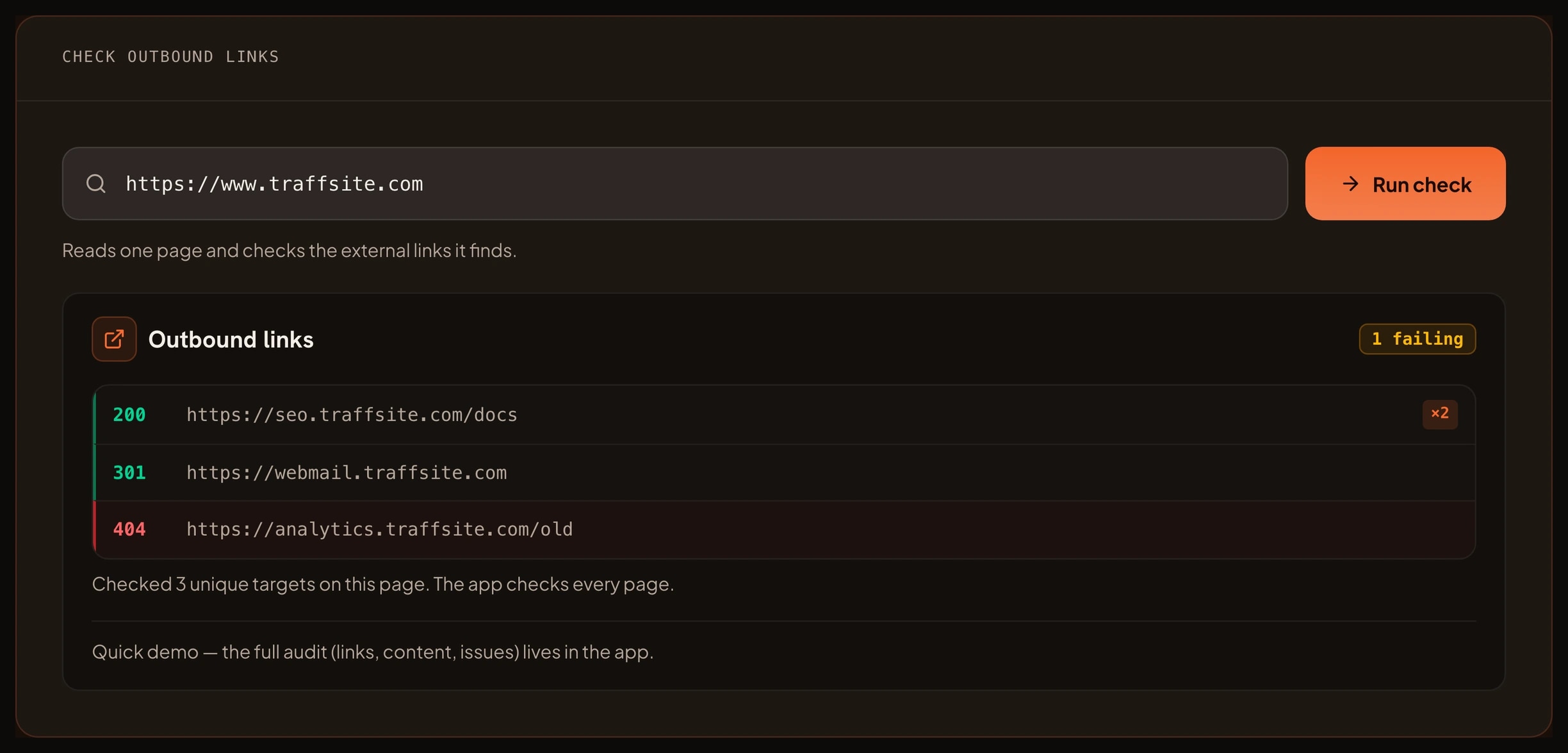
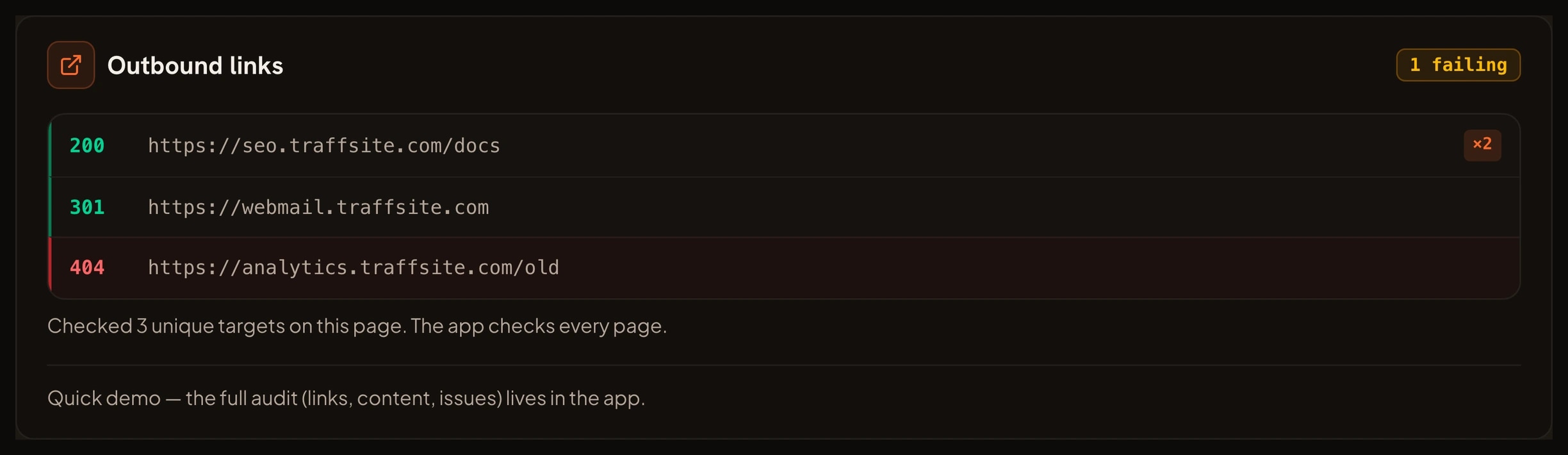
The report answers four questions. Which external sites do you link to? Does each destination still answer? Does it redirect somewhere else? How many pages use the same target?
A repeated target matters because one bad destination can appear on many pages. Fixing it once can improve the whole sample.
An outbound links checker is not the same as a broken link checker. A broken link checker looks at every link on a page, both internal and external. An outbound links checker narrows the view to external destinations, so you can judge link quality, link attributes and the sites you send visitors to.
What You Can Use an Outbound Links Checker For
Use it when you need a clear view of the links that leave your site. These are the jobs it handles well.
- Find dead external links. A 404 or 410 on another domain is easy to miss by hand. The checker reports the target and the status in one list.
- Catch redirects that hide a change. An external link may still work through a 301 or 302. The report shows the final destination so you can decide whether to update the link.
- Review link attributes. Google asks you to qualify paid, sponsored and user generated links. The checker helps you find the links that need `rel="sponsored"`, `rel="nofollow"` or `rel="ugc"`.
- See repeated targets. If twenty pages link to the same partner, one change to that partner can break twenty links. The reuse count makes that risk visible.
- Audit the link mix. A page that links only to competitors, or only to its own products, may not give readers the context they need. The list shows the balance.
- Prepare for a migration. Before you move a site, export the external links you want to keep. After the move, check that the same destinations still answer.
How the Outbound Links Checker Helps Your SEO
Google uses links as a signal when it judges relevance and when it finds new pages. An outbound link is a choice about where you send readers. A useful destination can support the page around it. A dead or misleading destination can waste the trust you built.
Google's link best practices say that links should help people move between related content. They also say that the text around a link gives Google context, so a link that says "read the full study" is easier to understand than a link that says "click here".
Some links need a relationship attribute. Google's guidance on qualifying outbound links covers paid links, sponsored links and user generated content. If money changes hands, or if visitors can add links, mark the link so Google can treat it correctly. The spam policies explain what happens when link schemes try to manipulate rankings.
An outbound links checker does not promise a ranking boost. It removes a source of doubt. You know which links still work, which ones redirect and which ones need a `rel` attribute. That is basic site care, and it keeps visitors on a path you chose.
What You Can Achieve With an Outbound Links Checker
A clean run gives you a short, usable list instead of a pile of guesses. You can:
- Replace or remove every dead external link in the sample.
- Update links that redirect to a different page than the one you meant.
- Add the right `rel` attribute to paid, sponsored or user generated links.
- Reduce repeated links to a single fragile target.
- Give editors a rule for which external sites are allowed.
- Recheck the same list after a release and confirm nothing new broke.
The result is not a score. It is a record you can act on, page by page.
Benefits of Checking Outbound Links
- Protect visitor trust. A link that leads to a dead end makes the page feel abandoned, even when the rest of the copy is strong.
- Catch link rot early. Other sites change, sell domains or remove pages. A regular check finds the damage before a reader reports it.
- Keep paid and affiliate links compliant. A visible `rel` attribute is a small change with a clear policy behind it.
- Improve crawl paths. Links help Google find content. A clean link graph gives crawlers fewer dead ends to process.
- Save editing time. The checker groups repeated targets, so you fix one destination instead of hunting through every page.
How to Use the Outbound Links Checker
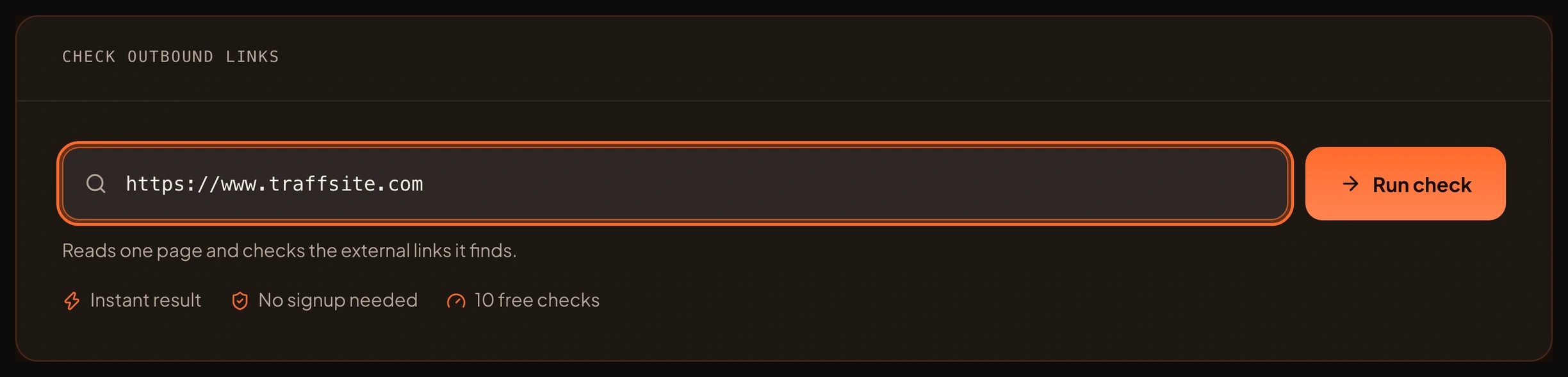
- Enter the page you want to check. Use a full address such as `https://www.traffsite.com/seo-tools`.
- Run the free sample. Traffsite reads the page and collects the external links it finds.
- Read the status column. Separate OK responses from redirects, client errors and server errors.
- Open the redirects. Confirm that the final destination is still the page you meant to cite.
- Check the link attributes. Mark paid, sponsored and user generated links with the correct `rel` value.
- Fix the highest risk links first. A dead link in a shared footer matters more than one dead link in an old post.
- Recheck the page. When the sample is clean, move to a full crawl in the app for every page on the site.
The free sample is deliberately bounded. It checks a small set of links so you can see how the tool reads a page. The full outbound link report for a whole site runs in the Traffsite SEO app.
Who Should Use an Outbound Links Checker
- SEO specialists. Audit external links after a migration, a redesign or a content refresh.
- Content editors. Check the sources and partner links in a new article before it goes live.
- Developers. Find hardcoded links in templates and shared components that break on every page.
- Affiliate and partnership managers. Keep paid links qualified and confirm that partner destinations still work.
- Site owners. Run a monthly check without learning a crawler or reading raw HTML.
- Agencies. Give each client a short external link report with the fixes that matter.
You do not need to know how to read HTTP headers. The checker puts the status and the target in plain words, and the app keeps the full history for the next run.
Frequently asked questions
What is the difference between an outbound links checker and a broken link checker?
A broken link checker reviews every link on a page, including links to your own pages. An outbound links checker narrows the list to external destinations. Use the broken link checker for a general health check and the outbound checker when you want to judge link quality, redirects and link attributes.
Does Google penalize outbound links?
Google does not penalize a normal external link. It does care about link schemes, paid links that pass signals without qualification, and links added by visitors without moderation. Follow Google's guidance on qualifying outbound links and use `rel="sponsored"` or `rel="nofollow"` where it applies.
Should every external link be nofollow?
No. A normal editorial link to a useful source can stay a normal link. Add `rel="sponsored"` to paid or affiliate links, and `rel="ugc"` to links that visitors add. The goal is to describe the relationship, not to hide every external link.
What does a redirect on an outbound link mean?
The destination moved. A 301 or 302 tells the browser to go to a new address. The link still works, but the page you cite may not be the page readers reach. Update the link to the final destination when you can, and confirm that the new page is still relevant.
How many links does the free check sample?
The browser sample checks a small, bounded set of links on the page you enter. It is enough to see the report and the main problems. A full site report, with every page and every external link, runs in the Traffsite SEO app.
Can I check a site I do not own?
Yes, for any public page. The checker reads what a normal browser could read. It does not log in, submit forms or change anything on the target site. Treat a single failed external check with care, because some servers block automated requests.
Related tools
Sources
Go beyond one URL
Audit your whole site, not just one page
Crawl every page, map every link, and get the full issue list with fixes — free to start.