
What Is an Inbound Links Checker?
An inbound links checker is a tool that reads the links inside your own site and counts the ones that point to a given page. It answers a simple question for every URL: who links here?
The links can sit in a navigation bar, a footer, a related section, a breadcrumb or a sentence in a blog post. The checker records the source page, the target page and the anchor text. It then groups the results by target, so you can see the pages with many sources and the pages with only one.
This is not a backlink checker. A backlink checker looks at links from other websites. An inbound links checker looks at links from your own pages. Both matter, but they answer different questions. Internal links shape how visitors and Google move through the site you control.
An inbound links checker also helps you find orphan pages. An orphan page has no internal links pointing to it. Google can still find it through a sitemap, but visitors have no path to it. The checker shows the gap before you spend time on content that nobody can reach.
What You Can Use an Inbound Links Checker For
Use it when you need to understand the shape of your internal link graph. These are the jobs it handles well.
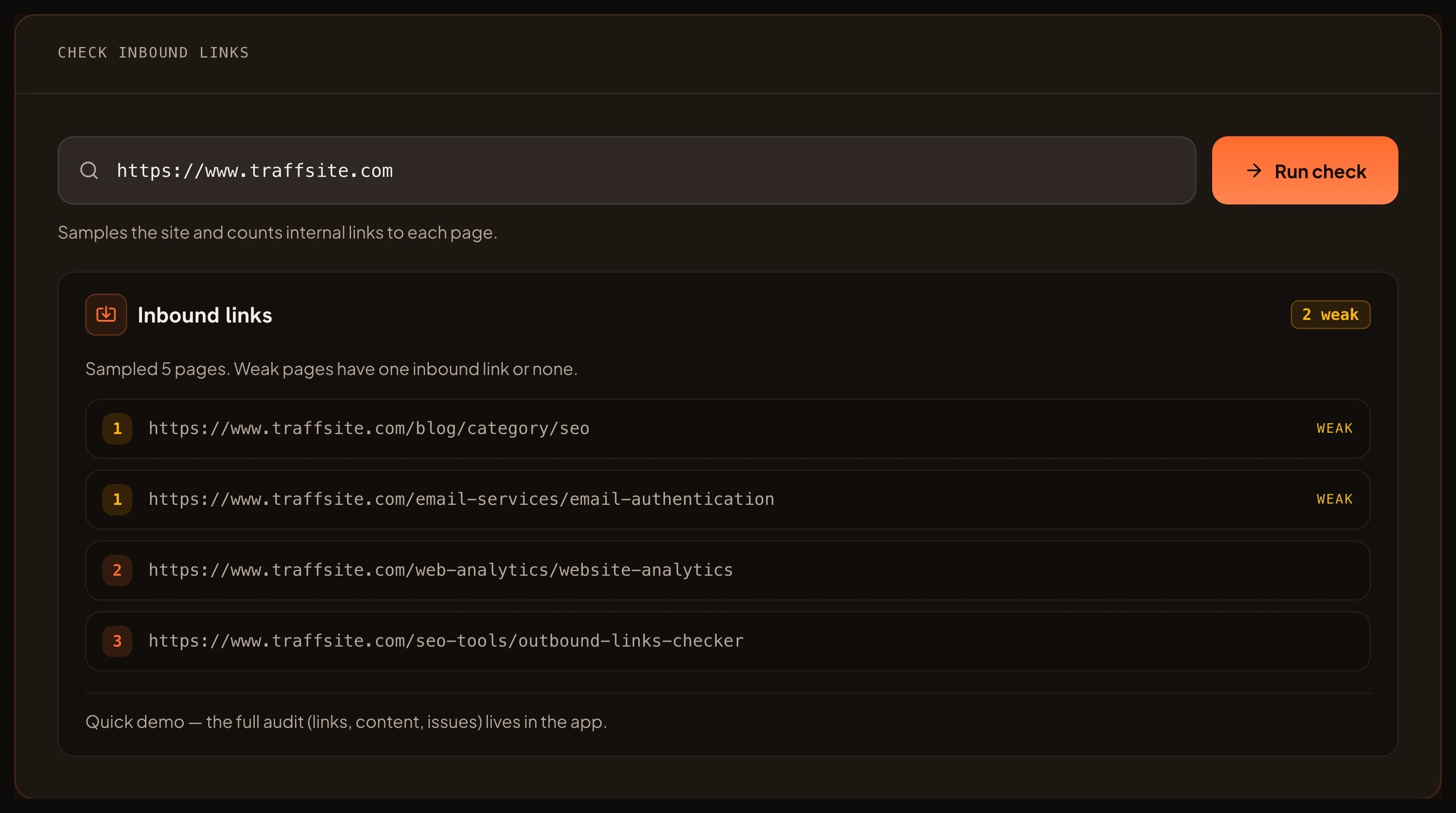
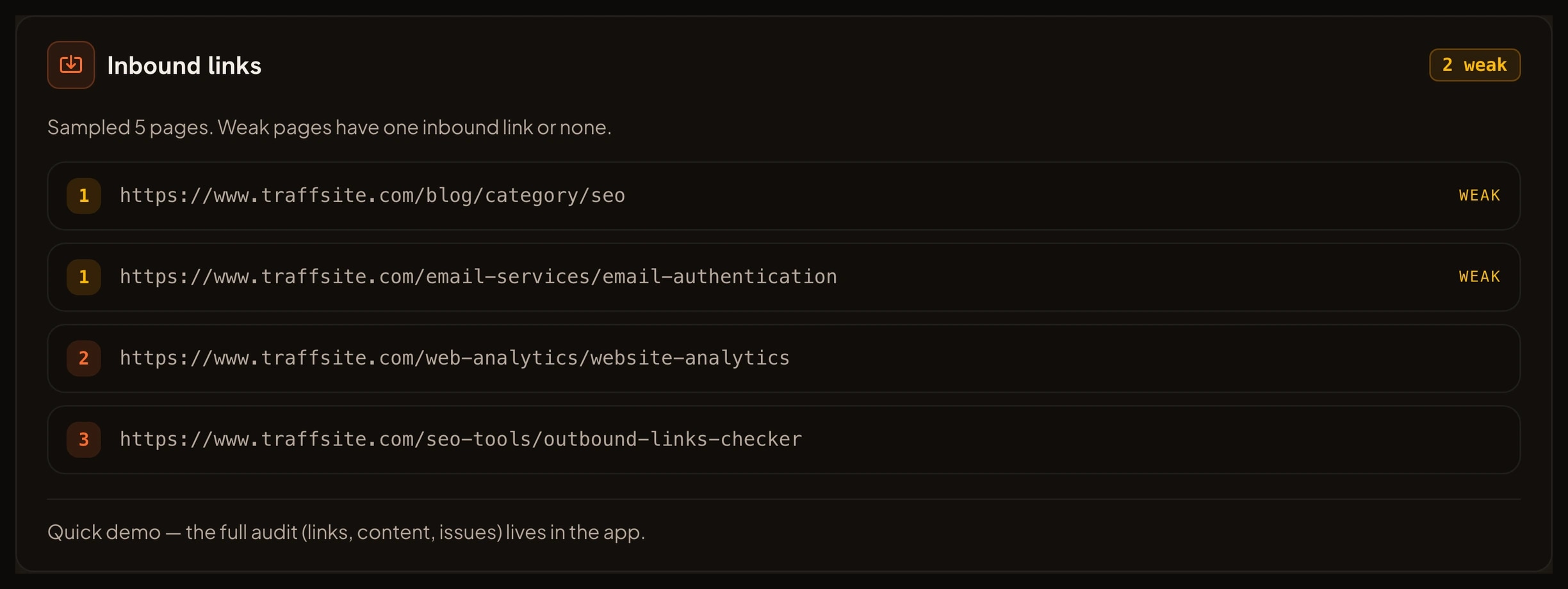
- Find weak pages. A page with one inbound link sits at the edge of the site. The checker puts it on a short list so you can add a useful link from a related page.
- Map internal links. See every source page for a target, plus the anchor text that sends people there.
- Plan internal linking. Choose the pages that should link to a new article, product or guide before you publish.
- Complement orphan pages. An orphan report shows pages with no links. The inbound checker shows the pages with too few.
- Find important pages. A page with many sources is a hub. Use the map to protect that page during a redesign.
- Audit navigation and footers. Shared links appear on every page. The checker makes their reach visible.
- Prepare a migration. Before you change URLs, export the internal links you need to update.
How the Inbound Links Checker Helps Your SEO
Google finds pages by following links. Internal links give the crawler a path from a known page to a new one. Google's link best practices explain that links should help people move between related content, and that the text of a link gives context about the target.
Internal links also help visitors. A clear path from a guide to a related tool, or from a product page to a setup guide, keeps people moving without a search. That is why internal linking is part of the SEO starter guide, not a trick that sits outside it.
On a large site, internal links affect crawl budget. Google's crawl budget guidance explains that crawlers have limits. A site with many weak or duplicate paths can spend those limits on pages that do not matter. A clear internal link graph gives the crawler fewer dead ends and a clearer set of important pages.
The inbound links checker does not promise a ranking boost. It gives you the map. You still decide which links to add, which pages to merge and which pages to leave alone.
What You Can Achieve With an Inbound Links Checker
A clean run gives you a short list of pages that need help and a map of the pages that already work. You can:
- Give every important page at least one useful inbound link.
- Connect new content to the pages that should send it traffic.
- Find pages that only appear in a global footer or navigation.
- Spot pages that lost internal links after a redesign.
- Choose the pages that should be merged or canonicalized.
- Recheck the same map after a release and confirm the links still exist.
The result is a structure you can explain to an editor, a developer or a client.
Benefits of Mapping Inbound Links
- Find hidden pages. A page with one inbound link is easy to forget. The checker keeps it visible.
- Improve crawl paths. More useful paths mean fewer pages sitting behind a dead end.
- Give anchor text context. The map shows the words that send people to each page, so you can make them descriptive.
- Protect important pages. A hub page with many sources deserves care during a redesign or migration.
- Support content planning. New articles can link to the pages that need traffic, not only the pages that already have it.
- Save audit time. A single map replaces a manual crawl through menus, footers and related sections.
How to Use the Inbound Links Checker
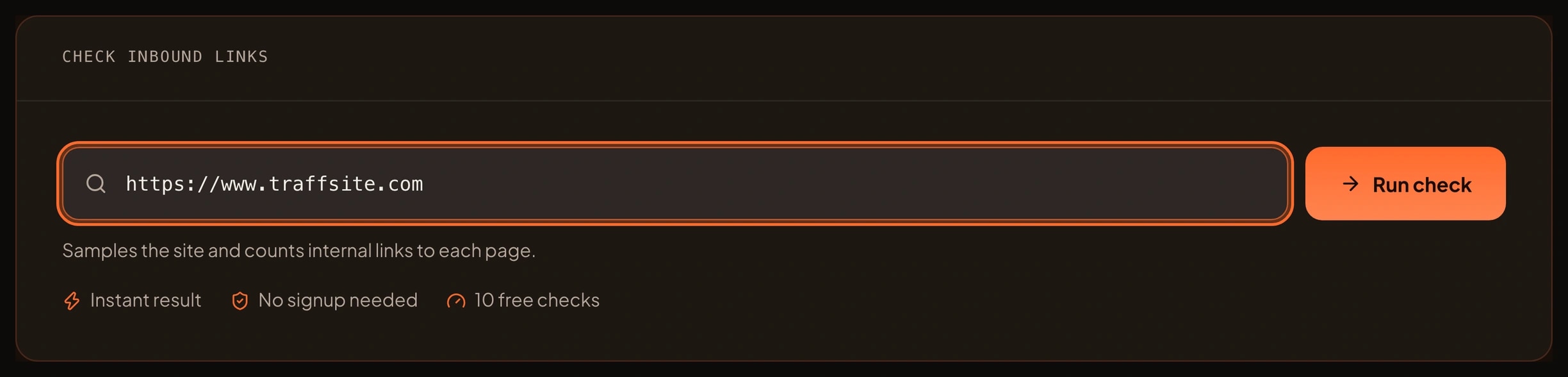
- Enter the site address you want to sample. Use the homepage or a section hub that links to the pages you care about.
- Run the free sample. Traffsite reads the page and follows a bounded set of same-origin links.
- Open the inbound list. Sort by source count, lowest first.
- Check the pages with one inbound link. Decide whether each page deserves a link from a related page.
- Read the anchor text. If every link says "click here", rewrite it to describe the target.
- Add the missing links. Use a sentence in a related guide, a related section or a navigation path.
- Recheck the map. When the sample is clean, run a full crawl in the app for every page on the site.
The free sample is deliberately bounded. It checks a small set of pages so you can see how the map works. The full inbound link report for a whole site runs in the Traffsite SEO app.
Who Should Use an Inbound Links Checker
- SEO specialists. Audit internal links after a migration, a redesign or a content consolidation.
- Content editors. Connect a new article to the pages that should send it readers.
- Site owners. Find pages that nobody can reach without a search engine.
- Developers. Check templates and navigation components that control links across the site.
- Agencies. Give each client a clear internal link map with the weakest pages first.
- Content planners. Choose the next pages to update based on the links they already have.
You do not need to read HTML. The checker puts the source, the target and the anchor text in one list, and the app keeps the full map for the next run.
Frequently asked questions
What is the difference between an inbound links checker and a backlink checker?
An inbound links checker looks at links from your own pages to another page on your site. A backlink checker looks at links from other websites to your site. Internal links shape navigation and crawl paths. Backlinks are external signals.
Are internal links a ranking factor?
Google uses links as a signal, and its link best practices explain that links help people and crawlers move between related content. Internal links are not a magic ranking switch. They help discovery, context and navigation.
How many inbound links does a page need?
There is no fixed number. A page needs enough links from relevant pages that visitors and crawlers can find it. A page with one inbound link is weak. A page with several useful sources is easier to discover and easier to understand. Start with the pages that matter most and add links from related content.
What is an orphan page?
An orphan page has no internal links pointing to it. Google can still find it through a sitemap, but visitors have no path to it. Use an orphan page report and an inbound links checker together. One finds pages with no links, and the other finds pages with too few.
Do nofollow internal links count?
A nofollow link tells Google not to follow the link. It can still help visitors, but it does not pass the same signal as a normal link. Use nofollow on internal links only when you have a clear reason, such as a login or a private area. For normal content, a plain link is easier to understand.
How many pages does the free check sample?
The browser sample checks a small, bounded set of pages from the site you enter. It is enough to see the map and the weakest pages. A full site report, with every page and every internal link, runs in the Traffsite SEO app.
Related tools
Sources
Go beyond one URL
Audit your whole site, not just one page
Crawl every page, map every link, and get the full issue list with fixes — free to start.