
What Is a Duplicate Pages Checker?
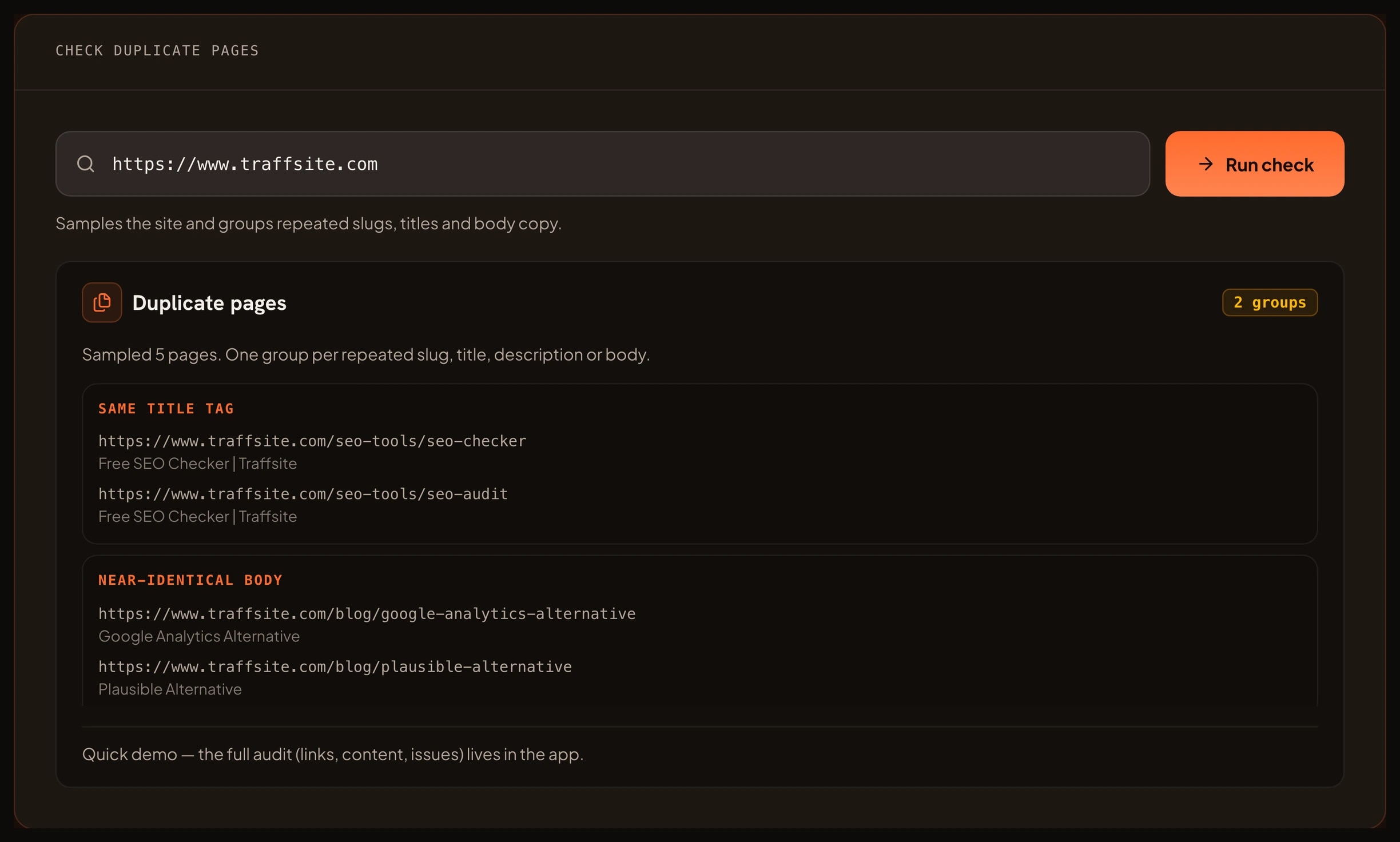
A duplicate pages checker is a tool that compares pages on your site and groups the ones that look the same. It looks for four kinds of repetition.
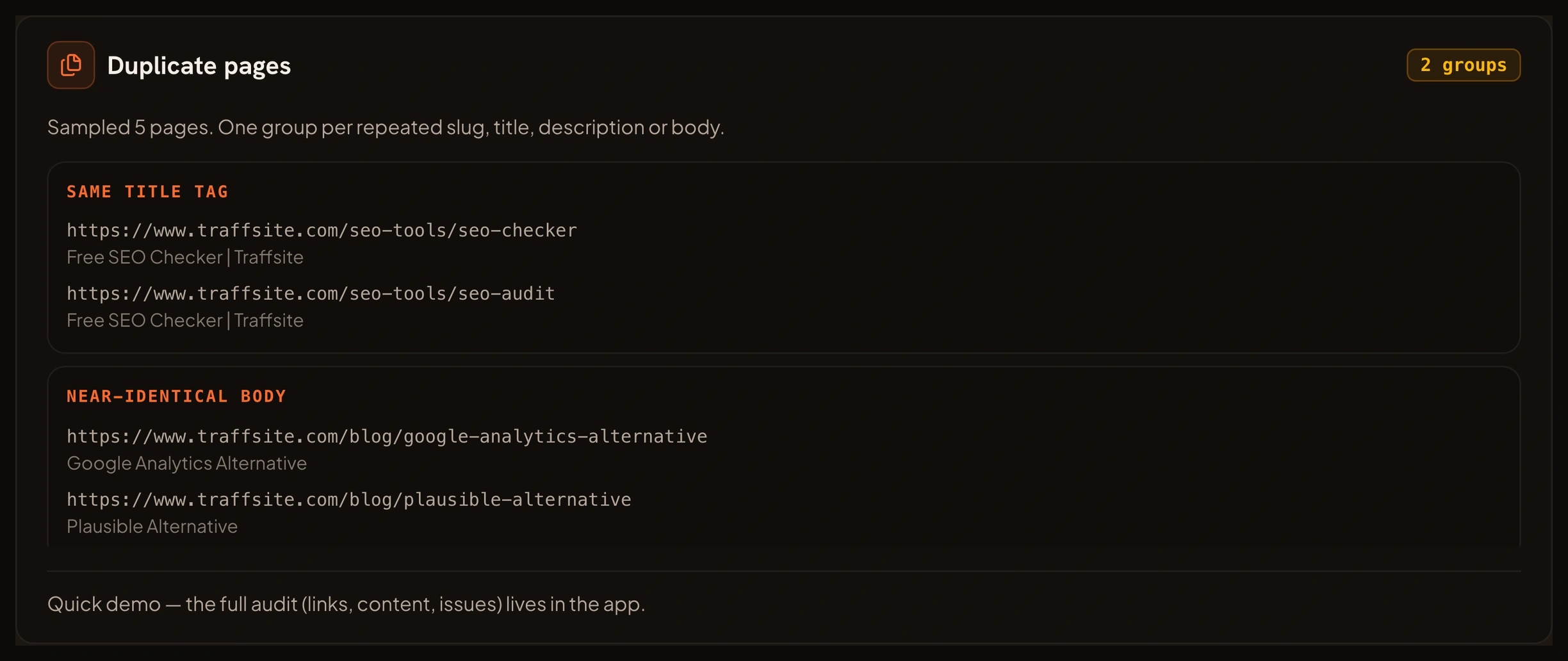
The first is a duplicate URL slug. Two pages end with the same path segment, such as `/pricing` under two different folders. The second is a duplicate title tag. Two pages use the same title, so search results have to guess which one is which. The third is a duplicate meta description. The fourth is identical or near-identical body content, where two pages say the same thing in almost the same words.
The report is not a list of every page. It is a list of groups. Each group has a reason, a set of URLs and a suggested next step. That is the useful part. A page can be unique by slug and still repeat the body of another page, so a checker that only looks at URLs misses most of the problem.
A duplicate pages checker is not a duplicate links checker. A duplicate links checker finds the same link used twice on one page. A duplicate pages checker compares separate pages with each other.
What You Can Use a Duplicate Pages Checker For
Use it when the site has grown through edits, imports, migrations or many similar products. These are the jobs it handles well.
- Find repeated pages. See which pages share a slug, title, description or body.
- Catch URL variants. A trailing slash, a parameter or a second path can create a page that looks new but repeats an existing one.
- Clean up duplicate titles and descriptions. Give every important page a clear, unique reason to appear in search.
- Spot near-duplicate content. Two pages may not match word for word. The checker can group pages that share most of their body.
- Plan a merge or redirect. Choose the page to keep and send the others to it with a 301.
- Choose a canonical. When two pages must both exist, point them at the preferred URL with `rel="canonical"`.
- Audit product variants. Size, colour and parameter pages can multiply a single product into many near copies.
How Finding Duplicate Pages Helps Your SEO
Google does not treat ordinary duplicate content as an automatic penalty. It does choose a representative URL, called the canonical, when several URLs carry the same or similar content. That choice may not be the page you want.
Google's canonicalization guide explains that the canonical is the URL Google selects as the most representative version. The guide on specifying a canonical URL explains how `rel="canonical"` can state your preference. Google treats that as a hint, not a command. A 301 redirect is a stronger signal when a page has moved for good.
The trouble starts when the signals disagree. A page says one URL is canonical, an internal link points to another, and the sitemap lists a third. Google has to choose. The duplicate pages checker shows you where those disagreements begin.
Google's guidance on fixing canonicalization issues is a good next read. It covers the common causes: inconsistent internal links, a canonical that points to a redirect, a `noindex` tag on the canonical page and a sitemap that lists the wrong URL.
What You Can Achieve With a Duplicate Pages Checker
A clean run from the duplicate pages checker gives you a short list of groups and a decision for each one. You can:
- Keep one page per topic and redirect the rest.
- Add a canonical to pages that must stay live.
- Rewrite duplicate titles and descriptions so each page has its own job.
- Merge near-duplicate guides into one stronger page.
- Remove parameter URLs from the crawl path.
- Give every important page a single, consistent internal link.
- Recheck the same groups after a release and confirm the fix held.
The result is a smaller set of pages with a clearer purpose.
Benefits of Finding Duplicate Pages
- Make search results clearer. Unique titles and descriptions help Google and visitors tell pages apart.
- Consolidate signals. A single strong page can do more than three pages that compete with each other.
- Reduce crawl waste. Fewer near copies means fewer URLs for Google to process.
- Improve reporting. Analytics and Search Console data are easier to read when one topic has one URL.
- Protect migrations. A redirect map is easier to build when you know which pages repeat.
- Help editors decide. A group with a reason and a suggested action is easier to act on than a raw URL list.
How to Use the Duplicate Pages Checker
- Enter the site address you want to sample. Use the homepage or a section hub that links to the pages you care about.
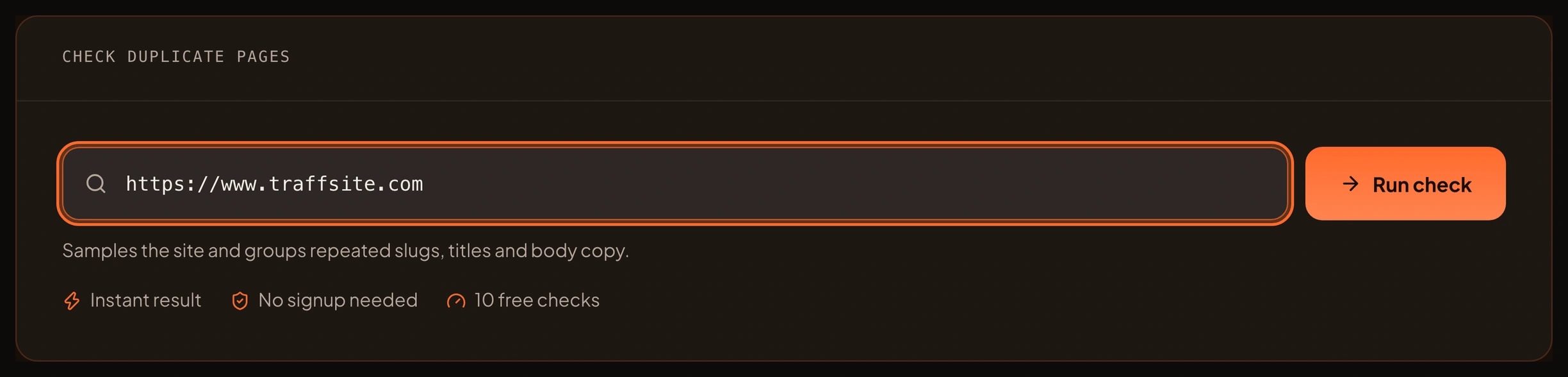
- Run the free sample. Traffsite reads the page and a bounded set of same-origin pages.
- Open the groups. Start with the largest group or the one marked as a duplicate body.
- Check each group in a browser. Confirm that the pages really say the same thing.
- Choose the keeper. Pick the page with the best content, the most internal links or the URL you want to rank.
- Apply the fix. Merge the content, add a 301, or add a canonical when both pages must stay.
- Recheck the group. When the sample is clean, run a full crawl in the app for every page on the site.
The free sample is deliberately bounded. It compares a small set of pages so you can see how the groups work. The full duplicate page report for a whole site runs in the Traffsite SEO app.
Who Should Use a Duplicate Pages Checker
- SEO specialists. Audit duplicate URLs before a migration, a redesign or a content consolidation.
- Content editors. Find articles that repeat a topic and decide which one to keep.
- Ecommerce teams. Review product variants, parameter pages and category duplicates.
- Site owners. Clean up pages that were copied during a rebuild and never removed.
- Agencies. Give each client a duplicate page report with a clear action for every group.
- Developers. Check routes and templates that generate the same page under several URLs.
You do not need to know how canonical tags work before you start. The checker explains the group and the suggested action, and the app keeps the full report for the next run.
Frequently asked questions
Is duplicate content a Google penalty?
Ordinary duplicate content is not an automatic penalty. Google chooses a representative URL and may consolidate signals. The real risk is that Google picks a page you did not intend, or that several weak pages compete with each other. Spam policies still apply to scraped or deceptive content.
What is the difference between duplicate pages and duplicate links?
Duplicate pages are separate URLs with the same or similar content. Duplicate links are the same link used more than once on a page. The first is a content and canonical problem. The second is a link structure problem. Traffsite has a separate checker for each.
Should I use a canonical or a 301?
Use a 301 when the old page should not exist anymore and the move is permanent. Use `rel="canonical"` when both pages must stay live, for example a product variant that visitors can still reach. A 301 is a stronger signal. A canonical is a hint that Google can accept or ignore.
What counts as near-duplicate content?
Near-duplicate content shares most of its body text but is not an exact copy. A changed headline or a few edited sentences can still leave two pages with the same job. The checker groups pages by repeated body content and shows the URLs so you can compare them.
How many pages does the free check sample?
The browser sample checks a small, bounded set of pages from the site you enter. It is enough to see the group types and the biggest problems. A full site report, with every page and every duplicate group, runs in the Traffsite SEO app.
Can I check an ecommerce site with product variants?
Yes. Product variants are one of the most common sources of duplicate pages. The checker can group pages that repeat a title, description or body. For a full variant audit, run the crawl in the app and review the groups with the product team.
Related tools
Sources
Go beyond one URL
Audit your whole site, not just one page
Crawl every page, map every link, and get the full issue list with fixes — free to start.